Apple CarPlay vs Android Auto: CarPlay’s polish, voice limits
A tech writer spent a month using Apple CarPlay instead of Android Auto and found CarPlay visually smoother with new widget features, but missing apps and weaker voice controls were significant downsides, according to Android Police.
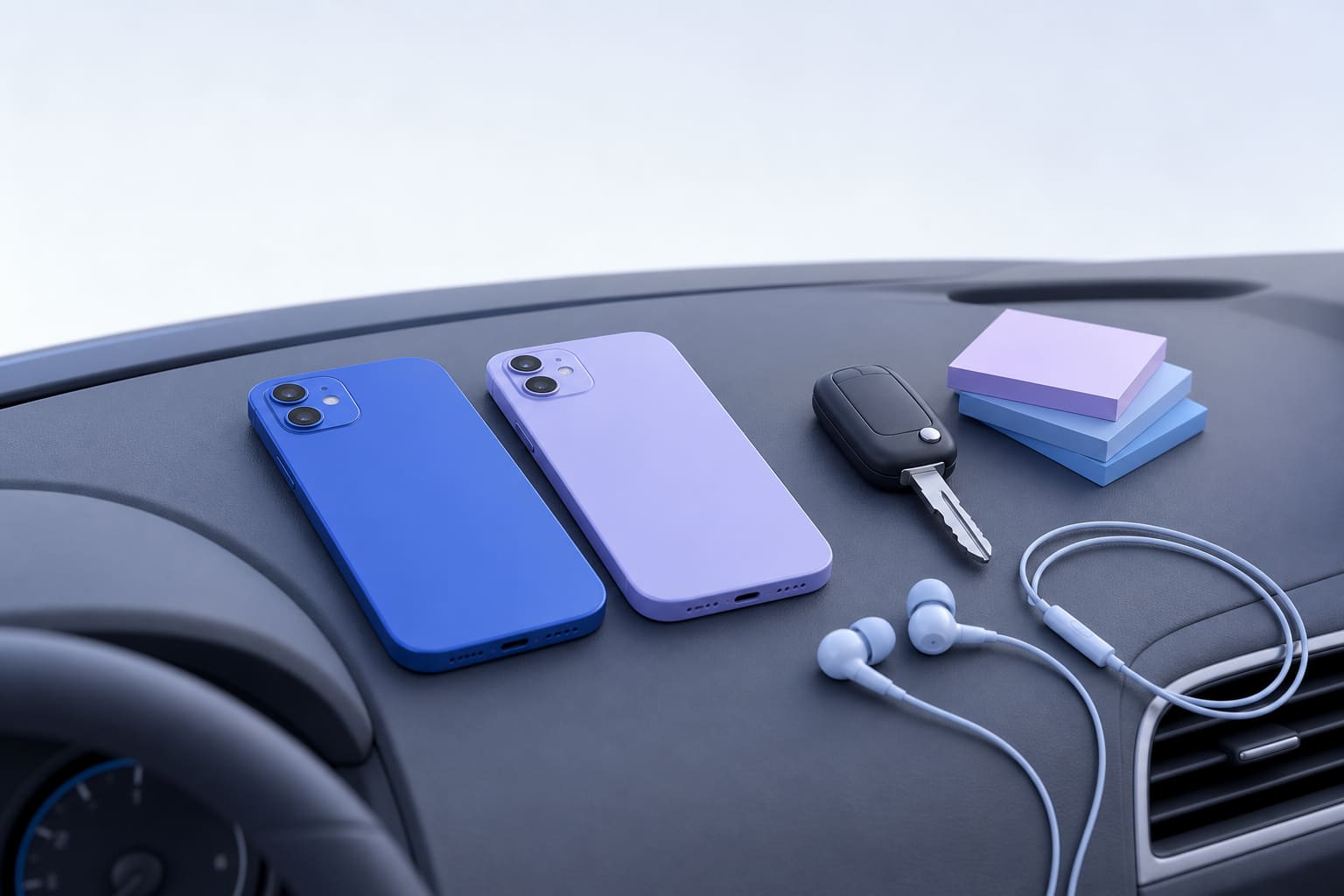
A technology writer for Android Police switched from Android Auto to Apple CarPlay and used CarPlay exclusively for a month, then wrote up what changed. The article says CarPlay felt more visually refined on the writer’s Hyundai 8-inch screen, and it added widget support for third-party productivity apps, but missing Android-only music apps and weaker Siri voice capabilities were key drawbacks.
Apple CarPlay vs Android Auto: what to consider
According to Android Police, CarPlay presented a more finished look on the car display. The article highlights Apple’s "Liquid Glass" design as a visual difference, and notes a Smart Display Zoom option that adjusted icon scaling on the author’s unit. Widgets were a surprise: the writer could place widgets from Microsoft To Do, Outlook, and Asana on the CarPlay dashboard for quick glances at tasks and appointments, which made the interface feel more productive at a glance.
Those visual and widget improvements were enough to make CarPlay feel like an extension of the writer’s iPhone rather than a separate in-car interface, according to the article. Android Auto did not feel broken, but the writer said its current interface shows age and mentioned that Google is working on a redesign.
What the writer missed from Android Auto
The Android Police piece explains that some of the writer’s favorite Android-only apps were not available on iOS or CarPlay. The most prominent example was Poweramp, a local music player the writer used to manage offline music collections and tune audio with a powerful equalizer. Because Poweramp is not on iOS or CarPlay, the writer missed the folder browsing, offline control, and audio tuning it provides.
On the voice side, the writer compared Gemini on Android Auto to Siri on CarPlay. Android Police reports the writer found Gemini capable of more natural, cross-app commands, such as sending an ETA over WhatsApp or searching YouTube Music by description, while Siri handled basic tasks but often required simpler or separate commands. That gap in voice capabilities was described as the main reason the writer reverted to Android Auto.
How this matters for small businesses and nonprofit teams
If your organization supplies phones or approves which platform drivers use, these are the practical points to weigh: visual polish and widgets can improve glanceable productivity for staff who need quick reminders or calendar checks while stopped, but missing apps and weaker voice capabilities can interrupt workflows that rely on hands-free actions.
For drivers who depend on offline music management, or teams that use specialized Android apps, switching to an iPhone and CarPlay could remove critical functionality. For teams that prioritize appearance and basic app access, CarPlay’s widget and scaling options may be sufficient.
Practical steps to try before you switch
- Test voice workflows while parked: try the exact hands-free commands your staff use, including cross-app requests and messages, and verify success. According to Android Police, Siri handled basic tasks but struggled with more complex requests.
- Confirm app availability: make a short list of any Android-only apps your team uses, for example local music managers, and verify whether equivalent iOS apps or CarPlay support exist.
- Check widget support on CarPlay: if glanceable info matters, confirm your key productivity apps support CarPlay widgets and that they surface the data you need, as the writer saw with Microsoft To Do, Outlook, and Asana.
- Try display scaling options: if your vehicle has a smaller screen, look for Smart Display Zoom or similar settings to make touch targets larger and easier to use.
- Run a short pilot: equip one driver with an iPhone and CarPlay for a week and collect feedback on voice commands, app access, and audio control before rolling out a larger change.
Final thought for web and mobile teams
The Android Police review frames this as a tradeoff between polish and power. CarPlay can offer a cleaner visual experience and new widget possibilities, while Android Auto may provide stronger voice tools and access to certain apps. If your staff or clients rely on specific apps or advanced voice workflows, validate those items first rather than basing a decision on appearance alone.
For organizations thinking about iPhone apps or CarPlay-specific features, we build iPhone apps too. See the ones live on the App Store at our App Store apps. For the full month-long account of this test, read the article at Android Police: I switched from Android Auto to Apple CarPlay for a month; I wasn't ready for this.
Sources
This post was drafted with AI from the reporting linked above and published by Jones Web Designs. For full details, read the original sources.