Amazon launches Alexa tablets with Google Play and Alexa+
Amazon introduced three Alexa tablets that run Android, give users full Google Play access, and feature an upgraded Alexa+ assistant, expanding app choices and AI help for small orgs.
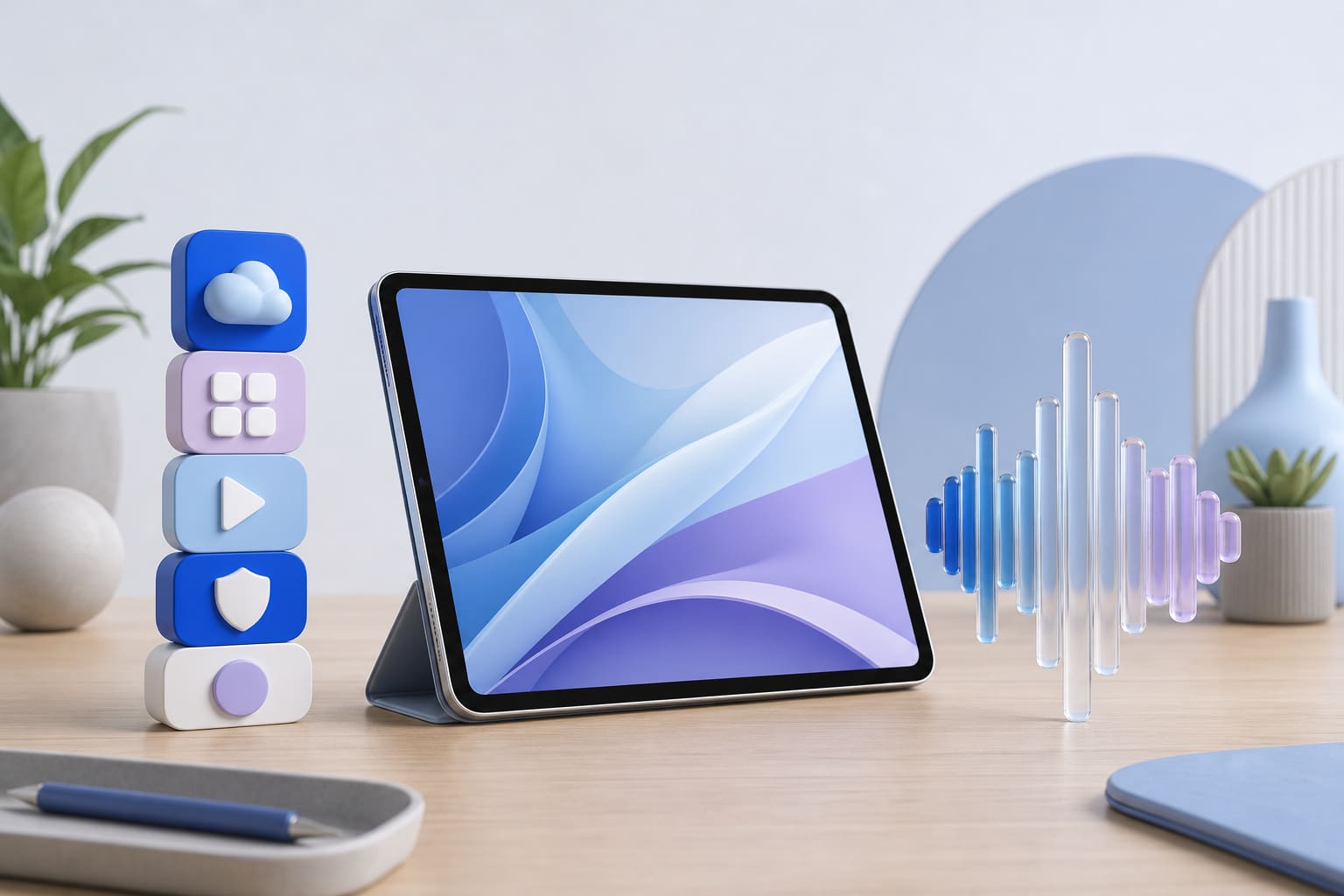
Amazon announced a new family of Alexa tablets that run Android, include full Google Play access, and ship with an upgraded Alexa+ assistant. The lineup consists of a 12‑inch Pro model, an 11‑inch version, and an 8.7‑inch compact device. All three will be available in the United States, Mexico and Canada on October 14, with a later rollout in Europe.
New hardware and operating system
According to TechCrunch, the Alexa Tablet 12 Pro is 6.5 mm thick, has a 12‑inch, 280 PPI display with a 120 Hz refresh rate, and offers a “Nanomatte” anti‑glare option. Amazon says the Pro delivers nearly three times the processing performance and nine times the graphics performance of any previous tablet it has shipped. The 11‑inch model features a 2.5 K screen at 276 PPI and a 90 Hz refresh rate, while the 8.7‑inch tablet weighs 329 grams and is meant for one‑hand use. All devices run a custom version of Android rather than the Fire OS used on older Amazon tablets, and they come preinstalled with Kindle, Prime Video, Audible, Amazon Music, Amazon Quick and Amazon Luna.
Google Play Store integration
Engadget reports that the biggest functional shift is the inclusion of the Google Play Store on every new tablet. Previously Amazon tablets were limited to the Amazon Appstore, which holds a fraction of the apps available on Play. With Play access, users can download millions of apps, including YouTube, Netflix, Gmail and a wide range of productivity tools. The article notes that developers typically push updates to Play first, so users can expect faster bug fixes and new features than on the Amazon store. This change brings Amazon’s tablet strategy closer to that of other Android OEMs, giving small teams more choice without having to buy a separate device.
Alexa+ and on‑screen intelligence
The new tablets launch with Alexa+, an AI assistant that can be invoked by voice or a dedicated “Ask Alexa” button. A notable feature is On‑Screen Intelligence, which lets users ask Alexa to look at what is displayed and provide context‑aware help. For example, while browsing a list of hiking trails, a user could ask, “Which of these hikes is best for me?” The assistant can then compare the displayed options and offer a recommendation. This deeper integration can reduce the time spent switching between apps and searching for information, which is valuable for staff who juggle multiple tasks.
Security and privacy considerations
Any device that connects to corporate networks or stores sensitive data should be evaluated for security. Because the tablets run a standard Android base, they support common security measures such as device‑level encryption, biometric unlock and regular security patches from Google. However, the presence of both Amazon’s services and Google Play means two ecosystems are active on the same device. Small organizations should:
- Enroll the tablets in a mobile‑device‑management (MDM) platform to enforce passcodes, remote wipe and app‑install controls.
- Enable multi‑factor authentication on all accounts that access email, cloud storage or internal systems.
- Review which apps are granted location, microphone and camera permissions, especially when using Alexa+.
- Keep the operating system and all installed apps up to date through the Play Store and Amazon’s update channel.
Practical steps for small businesses and nonprofits
Here are concrete actions you can take if you are considering the new Alexa tablets for your team:
- Assess device needs: Match the tablet size to the primary use case. The 12 Pro with Pro Pen and Keyboard is suited for graphic design, drafting proposals or running multiple apps side by side. The 11‑inch model works well for video calls and content creation, while the 8‑inch version is ideal for field staff who need a lightweight device.
- Set up MDM: Register each tablet in your existing mobile‑device‑management solution. Apply a strong passcode policy, enable encryption, and configure remote‑wipe capabilities.
- Configure Alexa+: Turn on Alexa+ in the settings and train the voice model for your organization’s terminology. Disable any unnecessary skill permissions to limit data collection.
- Control app installs: Use the Play Store’s family or business filters to restrict apps to approved categories. Block side‑loading of unknown APKs to reduce malware risk.
- Plan for backups: Enable Amazon Cloud Drive or another backup service to automatically save documents, photos and app data.
- Leverage accessories: If your staff need a more desktop‑like experience, consider the optional Pro Keyboard and Pro Pen. They connect via Bluetooth and can turn the tablet into a low‑cost workstation.
By following these steps, small teams can take advantage of the broader app ecosystem and AI assistance while keeping data secure.
Outlook for the market
Amazon’s decision to ship Android tablets with Google Play signals a shift toward broader compatibility rather than a closed app environment. For small organizations, this move reduces the need to purchase multiple device types to meet different software requirements. It also raises the bar for app developers, who can now target a larger audience without building a separate Fire‑OS version. While the price points start at $229.99 for the 8‑inch model, the added flexibility and AI features may justify the cost for groups that need a versatile, portable device.
Overall, the new Alexa tablets offer a blend of high‑resolution hardware, an expanded app catalog, and a smarter voice assistant. With proper security configuration, they can serve as capable tools for productivity, content creation and on‑the‑go collaboration in small businesses, nonprofits and public‑sector teams.
Sources
- Amazon unveils new Alexa tablets with Alexa+ and Google Play Store access TechCrunch
- Amazon is releasing kids' versions of its new Alexa Tablets Engadget
- Amazon's new Alexa tablets will have full access to Google Play Engadget
This post was drafted with AI from the reporting linked above and published by Jones Web Designs. For full details, read the original sources.